
AI Engineering
What Is an MCP Server? A Plain Guide to the Model Context Protocol
 Victor Gimael September 2026 10 min read
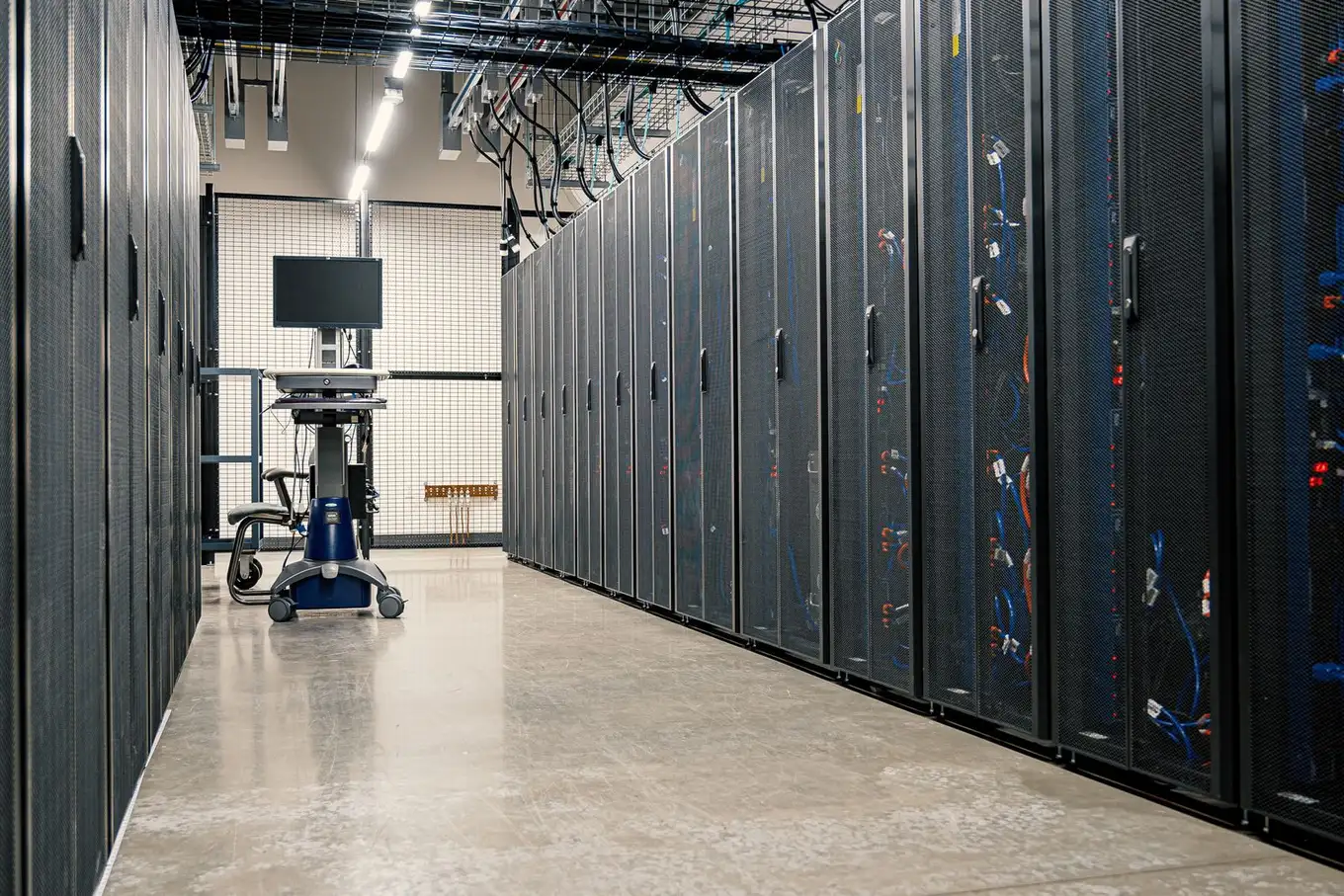 Connect AI to your systems.
 An MCP server is a piece of software that connects an AI assistant to one of your business systems — your CRM, database, or document store — through the Model Context Protocol, an open standard introduced by Anthropic in November 2024. It exposes that system’s data and actions to the AI in a single, standard way, with authentication and permissions deciding exactly what the assistant can touch.
If you have watched the term “MCP server” appear everywhere in the last year and never got a straight definition, this guide is the answer-first version. We will cover what the Model Context Protocol actually is, the problem it solves, how the architecture fits together, what an MCP server does in practice, how it connects to AI agents, and when a business should build one. No hype, and no assumed background beyond having used an AI assistant like Claude or ChatGPT.
What Is the Model Context Protocol?
The Model Context Protocol is an open standard for connecting AI applications to external systems — data sources like files and databases, tools like search and calculators, and reusable prompts. It was introduced and open-sourced by Anthropic in November 2024 (Anthropic, 2024), and it is now supported across a wide range of AI clients, including Claude, ChatGPT, and coding tools like Visual Studio Code and Cursor (modelcontextprotocol.io).
The official analogy is a good one: MCP is like a USB-C port for AI applications. Just as USB-C gives every device one standard socket instead of a drawer full of proprietary cables, MCP gives AI assistants one standard way to plug into the systems around them. An “MCP server” is the thing on the other end of that cable — the connector that presents one of your systems to the AI in the shape the protocol expects.
The word “server” trips people up, because it does not have to be a big machine in a data centre. An MCP server can be a small program running on a laptop next to the assistant, or a remote service running in the cloud that many people connect to. “Server” here means the role it plays in the conversation — the side that provides context and capabilities — not where it lives.
The Problem MCP Solves: Bespoke Integration Glue
Before MCP, every connection between an AI application and a system was a custom job. If you wanted an assistant to read your CRM, someone wrote a bespoke integration. If you also wanted it to read your helpdesk, that was a second, unrelated integration. Add a third assistant to the mix, and each of those integrations had to be built again for the new client.
As Anthropic put it in the launch announcement, “every new data source requires its own custom implementation, making truly connected systems difficult to scale” (Anthropic, 2024). Engineers know this shape as the M×N problem: with M AI applications and N systems, you are on the hook for M times N separate integrations, each with its own quirks, its own maintenance burden, and its own way of handling access.
MCP turns that into an M+N problem. Each system gets one MCP server. Each AI application speaks MCP. Any client can then use any server without a new integration in between. Build the connector for your database once, and Claude, ChatGPT, and whatever assistant your team adopts next can all reach it through the same standard. That is the whole point of a standard — the glue is written once and shared, rather than rewritten for every pairing.
How an MCP Server Works: Host, Client, and Server
MCP uses a client-server architecture with three roles, and understanding them removes most of the confusion around the term. The official architecture documentation defines them like this:
- Host — the AI application the person actually uses, such as Claude Desktop, the ChatGPT app, or an AI-enabled code editor. The host coordinates everything.
- Client — a connector the host creates, one per server, that maintains a dedicated connection to a single MCP server.
- Server — the program that exposes a system’s data and capabilities. This is the part you build for your own tools.
So when your assistant connects to three systems, the host spins up three clients, each holding a line to its own server. The person sees one assistant; behind it sits a tidy fan-out of one connection per system.
What a server actually offers the AI comes down to three building blocks — the protocol calls them primitives:
- Tools — executable functions the AI can invoke to do something: run a database query, call an API, create a record. Tools are how an assistant takes action rather than just talking.
- Resources — data the AI can read for context: file contents, database records, an API response, a document.
- Prompts — reusable templates that structure a task, so a common request can be packaged rather than retyped each time.
Crucially, the client discovers all of this at runtime. It asks the server, in effect, “what tools and data do you offer?” and the server answers. The AI then decides, in the flow of a real conversation, which tool or resource fits the moment. Nobody hard-codes a fixed list of calls; the assistant is handed a menu and chooses from it. That runtime discovery is a large part of what makes MCP feel different from a traditional integration.
What an MCP Server Actually Does
In business terms, an MCP server sits in front of a system you already run and lets an AI assistant use it safely. Take a CRM. An MCP server for that CRM might expose a tool to look up a contact, a tool to log a call, and a resource that returns the current pipeline — each one wrapped so the assistant can call it directly. A salesperson can then ask their assistant, “what’s the status of the Acme deal, and draft a follow-up,” and the assistant pulls the record and writes the reply without anyone copying and pasting between tabs.
Three things a well-built server always handles:
- Authentication — it verifies who the request is really coming from, rather than trusting the assistant blindly.
- Permissions — it scopes access per user, so the AI sees only what that person is allowed to see, and defaults to read-only where writing is not needed.
- Logging — it records what the AI touched, so there is an audit trail rather than a black box.
This is where the “server” doing the work matters more than the protocol itself. The Model Context Protocol defines the language; the server you build decides what is safe to say in it. A connector that hands an assistant unrestricted access to a live database is a liability, not a feature. A connector that authenticates every user, limits each to their own data, and logs every action is the version worth deploying — and building that properly is most of the job.
Servers can run locally over a direct process connection, or remotely over HTTP with standard authentication like OAuth and bearer tokens (MCP architecture docs). Remote servers are what let a whole team share one connector, which is usually what a business wants.
MCP Server vs a Traditional API or Plugin
An MCP server and a traditional API can front the same system, but they are built for different consumers and behave differently. An API is built for a specific application your developers wrote; an MCP server is built for AI clients to discover and use on their own. Here is the practical comparison:
| Aspect | Traditional API or plugin | MCP server |
|---|---|---|
| Built for | A specific app your developers coded against | Any MCP-compatible AI client (Claude, ChatGPT, IDEs) |
| Integration effort | One custom integration per app-to-system pair | Build once; every MCP client can use it |
| How capabilities are found | Developer reads the docs and hard-codes each call | The client asks the server what it offers, at runtime |
| Who decides what to call | Deterministic code you wrote in advance | The AI model, choosing in context |
| Interface | Bespoke to each API | One standard protocol across every server |
| Auth and permissions | Per-API, however each was designed | Built into the server, scoped per user |
None of this makes APIs obsolete. In fact, most MCP servers are thin layers that call existing APIs underneath — the server’s job is to present that API to an AI in a standard, self-describing, permissioned way. Think of MCP as a common adapter over the systems you already have, not a replacement for them. OpenAI has added MCP support across its Agents SDK, API and ChatGPT (OpenAI Developers), which is exactly why one well-built server can serve ChatGPT and Claude alike.
How MCP Servers Connect to AI Agents
MCP servers are how AI agents reach the real world. An AI agent is software that can pursue a goal over several steps — deciding what to do, doing it, checking the result, and continuing — rather than answering a single question. To be useful, an agent has to act on real systems, and MCP is increasingly the standard interface it uses to do so.
Picture a support agent that triages incoming tickets. Through MCP servers, it can read the ticket (a resource from your helpdesk), look up the customer’s account (a tool on your CRM), check recent orders (a tool on your commerce platform), and post a drafted reply for a human to approve (a tool, gated behind sign-off). Each of those systems is a separate server; the agent orchestrates across them. Because they all speak the same protocol, adding a fourth system to the agent’s reach is a matter of pointing it at another server, not re-engineering the agent.
This is why MCP matters beyond a single chat window. It is the connective tissue that turns AI agents and automations from clever demos into systems that touch your actual data and take real actions — with the permissions and audit trail to make that safe. If you are exploring AI automation more broadly, MCP is often the layer that makes the rest of it possible.
When Should a Business Build an MCP Server?
The clearest signal is simple: your team already uses an AI assistant, and they keep copying information in and out of it by hand. Someone pastes a customer’s history into Claude to draft an email, then pastes the reply back into the CRM. Someone exports a report to ask ChatGPT to summarise it. That manual shuttling is exactly what an MCP server removes — it gives the assistant permissioned access to the source, so the round trip disappears.
A few situations where a server tends to pay off:
- Repetitive lookups. People routinely ask the assistant about data that lives in one of your systems — orders, tickets, contacts, documents.
- Drafting from internal context. Staff want AI help writing replies, reports, or summaries that depend on your own records, not general knowledge.
- Multi-step work across tools. A task spans two or three systems, and you would rather an agent coordinate it than a person tab between them.
And one honest counter-signal: if nobody in the business uses an AI assistant yet, do not start with an MCP server. A server amplifies usage that already exists; it does not create the habit. Build the habit first, then remove the friction.
It is also worth being candid about the state of the ecosystem. MCP is young — barely a year old — and moving fast. That is not a reason to wait, but it is a reason to treat security as the first requirement rather than a later polish, and to work with people who build these things carefully rather than shipping a weekend prototype into production.
Where CodeLeap Fits
At CodeLeap, MCP server development is a service we offer, and it is not theoretical for us: our own design, SEO, and project tooling runs on MCP servers every day — some we built, some from the wider ecosystem. We work with this technology before we sell it.
For UK businesses, the work is usually the same shape: connect the systems you already use — your CRM, your database, your documents — to the assistants your team already reaches for, with authentication, per-user permissions, remote hosting, and monitoring built in from the start. A first server connecting one system starts from £5,000; wiring several systems together with hosting and monitoring starts from £10,000. We are also happy to tell you when you do not need one yet.
The short version: an MCP server is the standard, permissioned bridge between an AI assistant and one of your systems. The Model Context Protocol is what makes that bridge reusable instead of bespoke. And the reason the term is suddenly everywhere is that it quietly solved the problem that kept AI stuck in a chat window — reaching the tools and data where your work actually happens.
Frequently asked questions
What is an MCP server?
An MCP server is a program that connects an AI assistant to one of your systems — a CRM, database, or document store — and exposes that system's data and actions to the AI through the Model Context Protocol. Authentication and permissions decide exactly what the assistant can see and do, so it reads and acts only within the limits you set.
What is the Model Context Protocol?
The Model Context Protocol (MCP) is an open standard, introduced by Anthropic in November 2024, for connecting AI applications to external systems. It defines one common way for AI clients like Claude and ChatGPT to discover and use tools, data, and prompts — so an integration built once works across any assistant that speaks MCP, instead of being rebuilt for each.
Why would a business need an MCP server?
When your team already uses an AI assistant and keeps copying information in and out of it by hand. That copy-paste is the signal: an MCP server gives the assistant direct, permissioned access to the system instead — so it can pull a customer record, query a report, or draft from a document without a person shuttling data across. If nobody uses an assistant yet, start there first; a server amplifies use that already exists.
MCP server vs API — what's the difference?
A traditional API is built for a specific application your developers wrote, and each call is hard-coded against its documentation. An MCP server is built for AI clients: it advertises its tools and data at runtime, so the assistant can discover what's available and decide what to use in context. Build one MCP server and any MCP-compatible assistant can use it, rather than writing a bespoke integration per app.
Want to build something like this?
Book a free 20-minute consultation and we'll help you find where automation pays off.
Keep exploring
-
 Meet the team!
We're a fully remote company: a 28-strong global team of designers, developers, data scientists, project managers and QA testers, with leadership in London. Here's who's on the team — and how the 2024 all-team retreat in Brazil went.
Read more -
 How Much Does a Website Cost in the UK? (2026 Prices)
What a website costs in the UK in 2026: builder subscriptions, freelancer and agency prices, ongoing costs, maintenance packages and when a site becomes a web app.
Read more